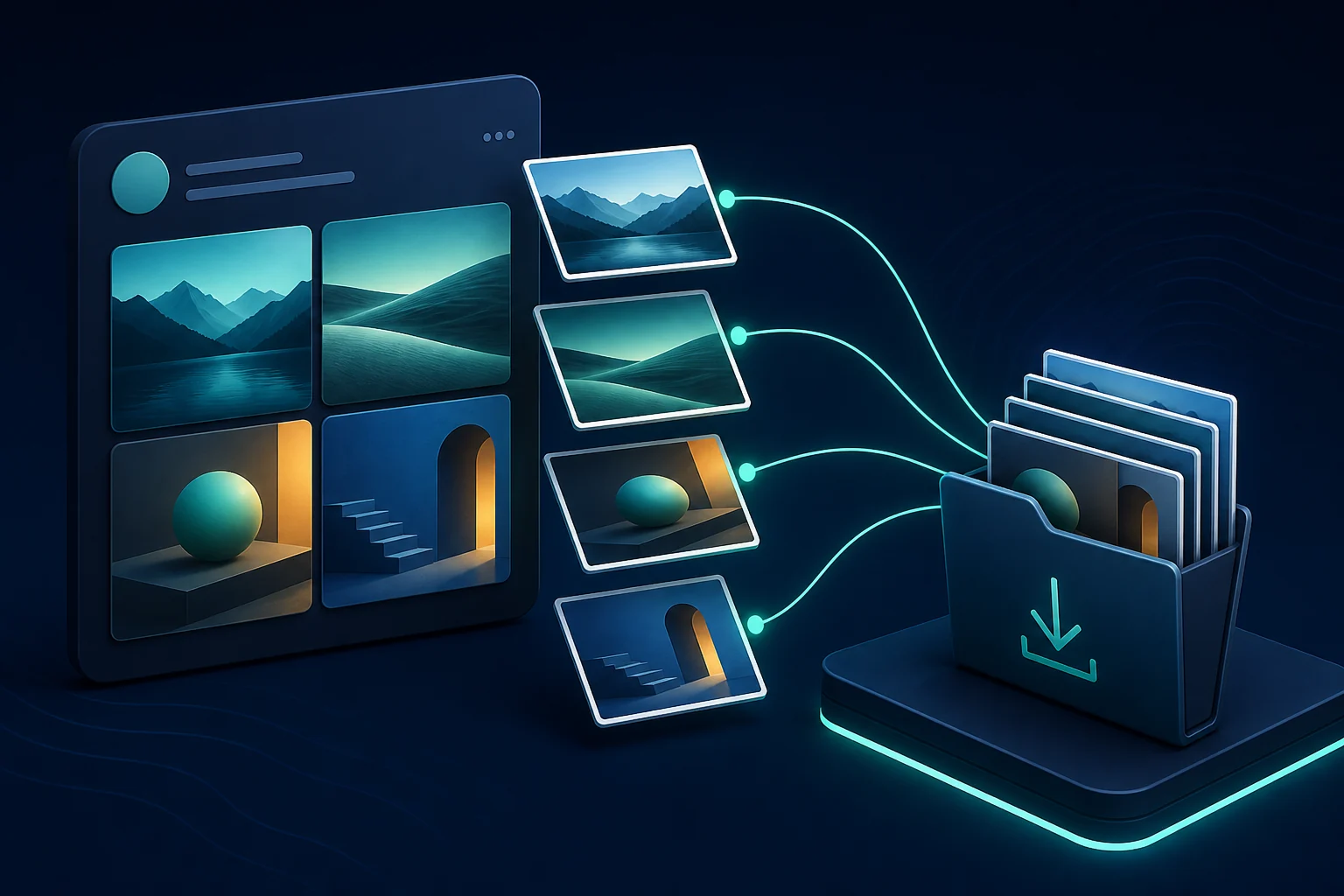
Save without a screenshot
The result uses the public media file returned for the post. That avoids the browser chrome, crop, and added quality loss of taking a screen capture.
Paste a direct public image-post URL. Review every native photo attachment and save the files made available for that post without taking a lower-quality screenshot.
Paste a direct public status URL to see the files made available for that post.
Lookup requests use public third-party services. Downloads may use a public CORS relay when a media host blocks a direct browser request. How privacy works.
The downloader avoids introducing another screenshot or compression step, but X may already have resized or optimized the public image. For that distinction, read the best-available-size guide. A multi-photo post should return separate items, explained in the gallery walkthrough.
Cards and quoted posts can display images that do not belong to the status URL you copied. Open the original media post and use its direct link. If it still fails, follow the supported-link checklist.
Use the direct status URL so the result belongs to the post you intended—not a quote preview or external card.
Choose Share and copy the full public link containing the /status/ path and post ID.
Paste the link and run the lookup. A gallery should produce a separate item for each native photo made available.
Save each permitted image individually, confirm the format, and preserve the source link and creator context.
The page focuses on images attached to a public status, which prevents misleading claims about resources it cannot access.
The result uses the public media file returned for the post. That avoids the browser chrome, crop, and added quality loss of taking a screen capture.
Multi-image posts are not flattened into one collage. Download only the permitted files you need and verify that every expected attachment appeared.
A visible preview may belong to a quoted post or an external website. Open the original public media source and copy that direct link instead.
X may resize or optimize an upload before public delivery. The downloader avoids another recompression step but cannot reconstruct source data the post does not expose.
For format details, see the MP4, JPG, PNG, and WebP guide.
Copy the direct URL of the public photo post, paste it into the image downloader, and save each image item returned for that post.
When the public post exposes multiple native attachments, each available photo appears as a separate result so you can save the files individually.
Not necessarily. The downloader avoids adding a screenshot or another compression step, but X may already have resized or optimized the public delivery file.
This page is designed for native images attached to a public status. Profile media and external website-card images are different resources and may not be returned.
A practical image-saving guide for single photos, graphics, preview images, and public X galleries.
Read guideWhat ‘original size’ really means for a public social image—and how to preserve the best file the post delivery path exposes.
Read guideA gallery workflow for saving several public post images without assuming they are one combined file.
Read guideA practical map of the files behind public posts, from looping MP4 animations to gallery images and quality variants.
Read guideA transparent look at public link lookups, third-party services, browser downloads, creator privacy, and responsible reuse.
Read guide