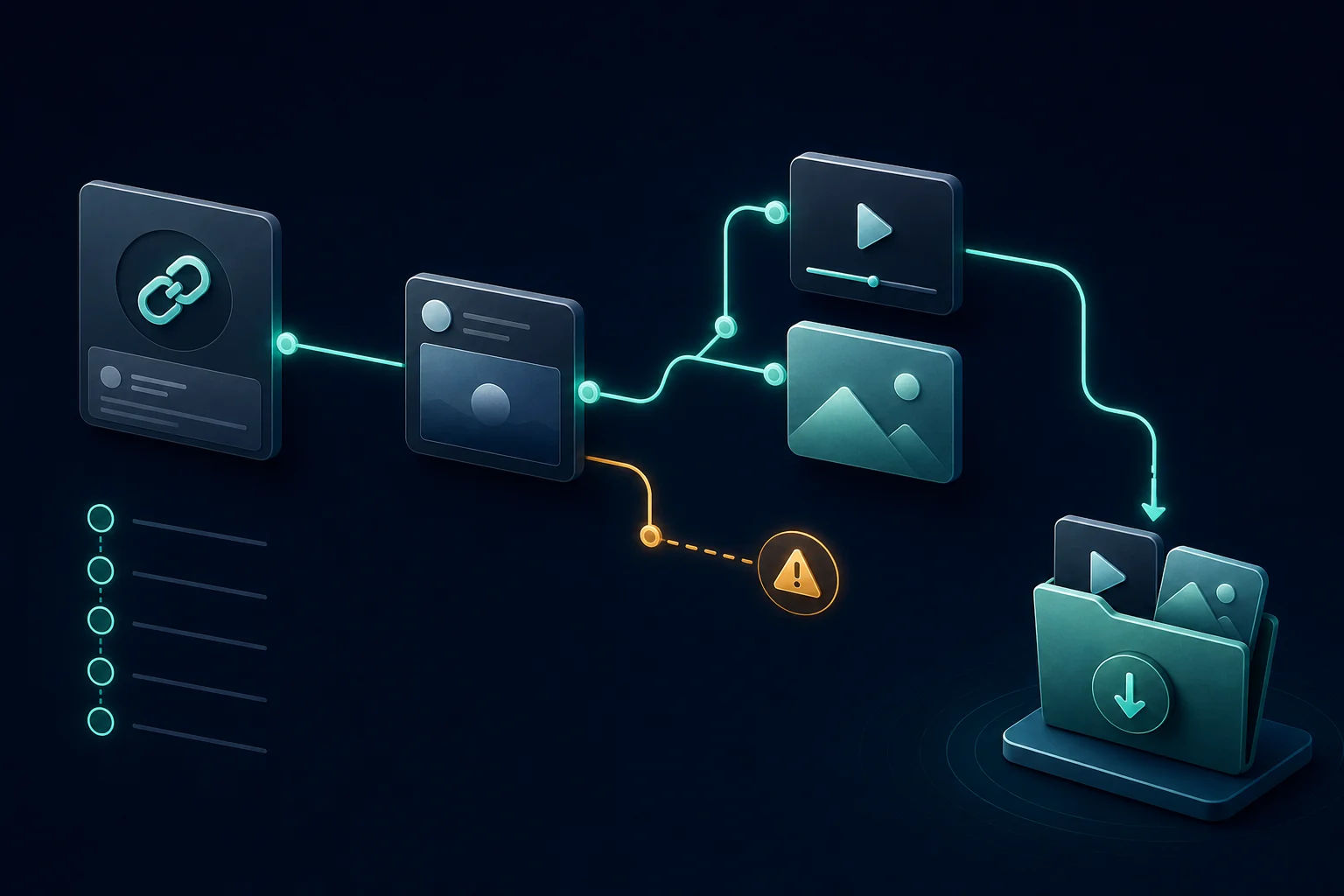
Start with the post that owns the image
Copy the direct public status URL containing the photo, not a profile page or repost preview. Paste it into the Twitter image downloader. A single photo should produce one image item; a gallery should produce separate items so you can review each file.
What “original quality” means
The downloader requests the available public media URL and does not intentionally recompress the response. That does not guarantee access to the creator’s untouched camera file. X may resize, optimize, strip metadata, or serve a format suited to the web. The original-size image guide explains that distinction.
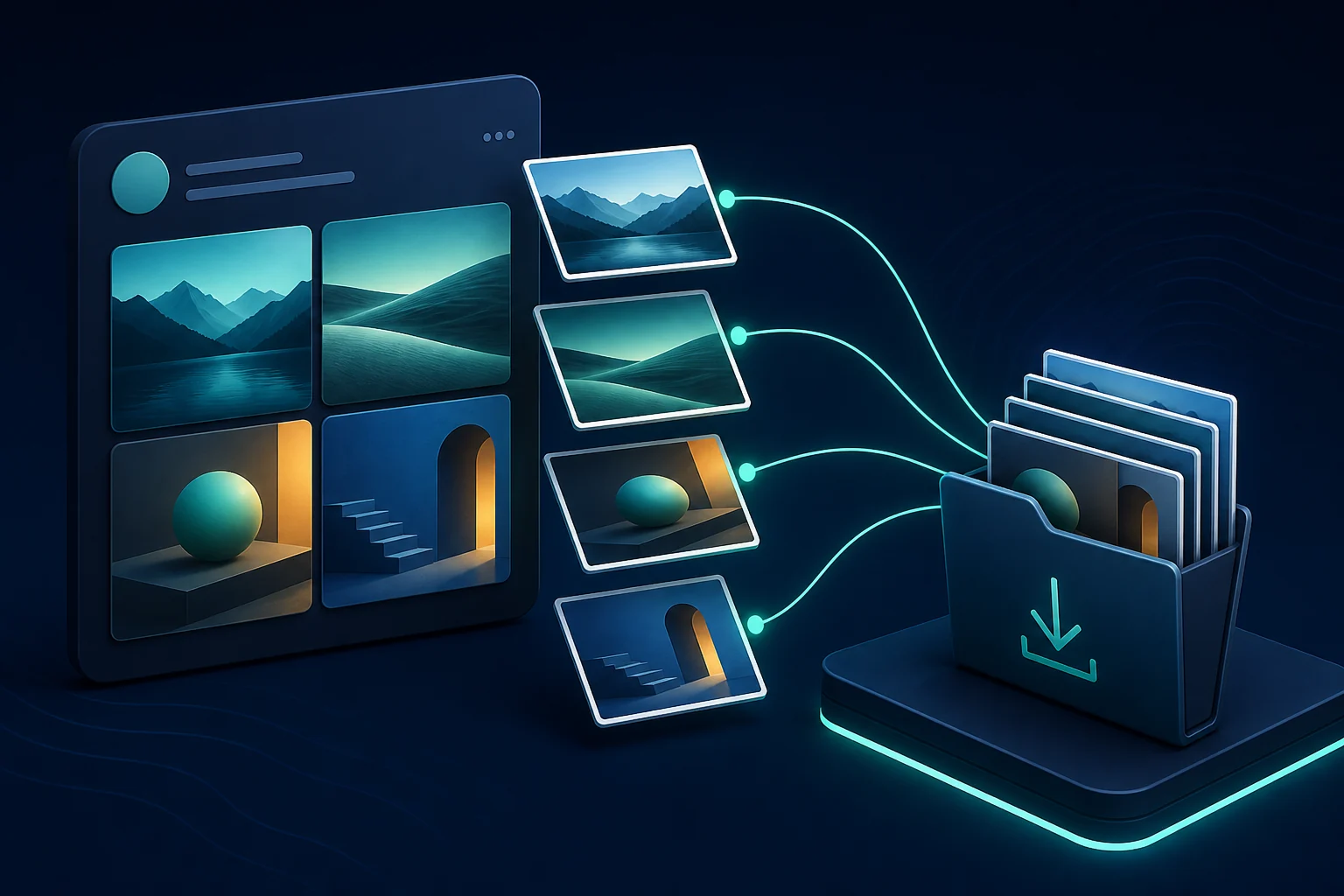
Galleries are separate attachments
For a multi-photo post, download every item you actually need and verify the count against the post. Filenames may not communicate the visible order, so review thumbnails before renaming. Use the multiple-photo checklist for a repeatable gallery workflow.
JPG, PNG and WebP
Photos commonly arrive in JPEG-like formats, while graphics may use PNG or WebP. Keep the returned format unless your editing software requires something else. Repeatedly converting a lossy image can reduce quality; changing the filename extension alone does not truly convert the file. The media format reference covers each type.
Cards and quoted posts
An image visible inside a link card may belong to the linked website rather than the X post. Quoted-post media belongs to the quoted status. Open the original item and copy its direct link. If the tool returns nothing, use the link troubleshooting guide.
Save responsibly
Download your own photos, approved brand assets, permitted references, or images you are otherwise allowed to keep. Avoid stripping creator context and reposting as if the work were yours. Public availability is not the same as permission.