
The reliable way to save a public post video
Start with the direct public status URL, not a profile page, search result, or quoted-post preview. Open the post, use its share control, and copy the link. Paste that link into the Twitter video downloader and wait for the available media choices. The tool can only show files exposed for that public post; it cannot unlock restricted or deleted media.
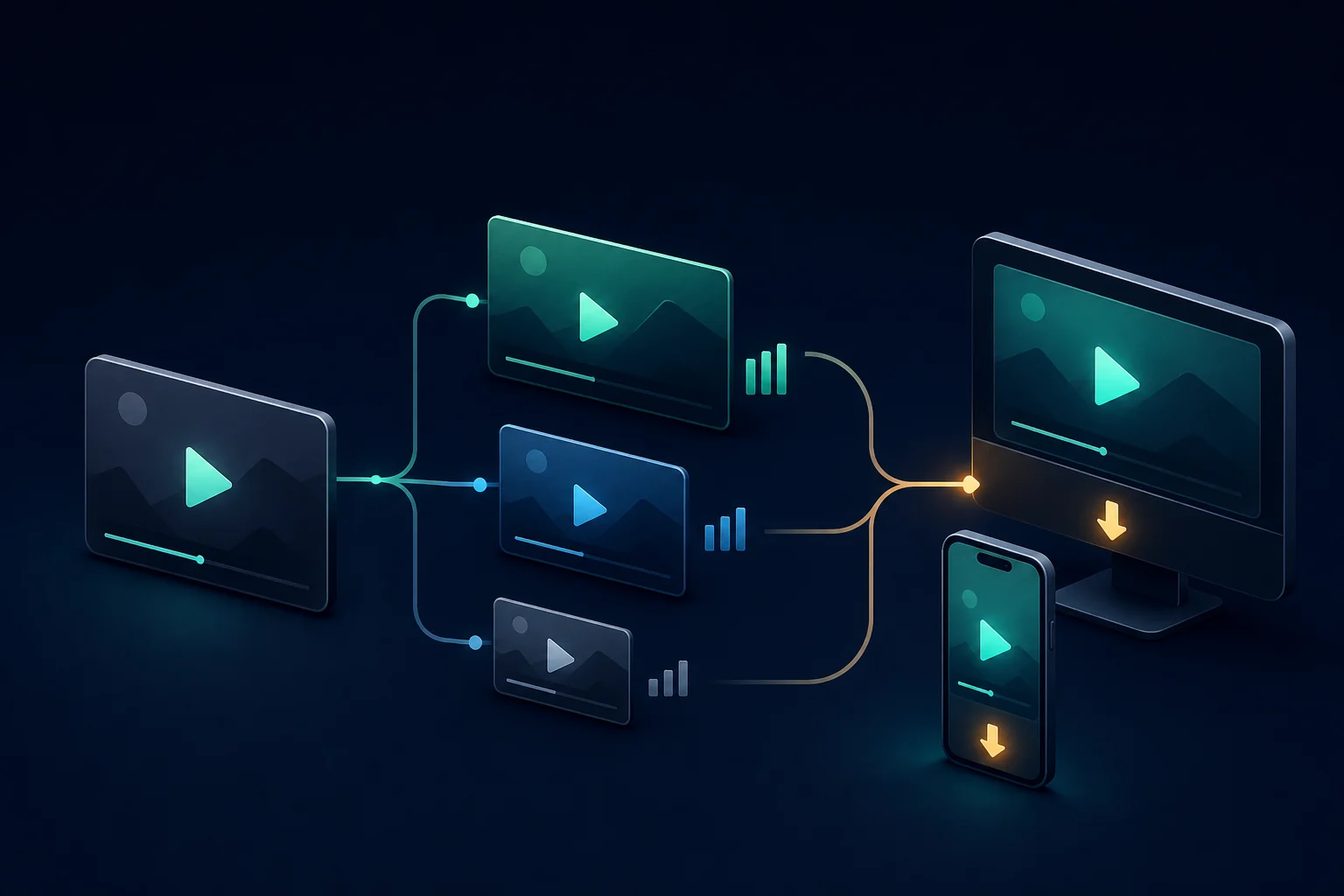
When more than one MP4 quality is available, choose the file that matches the job. A high-quality option is useful for archiving or editing, while a smaller option may be better on mobile data. The labels describe the variants returned for the post rather than promising a resolution that does not exist.
iPhone and iPad
Use Safari or your preferred browser, paste the link, and tap the download button for the quality you want. Safari normally places the file in its Downloads location in the Files app. You can preview it there and move a permitted copy into Photos if that better fits your workflow. The dedicated iPhone video instructions cover the common Files-versus-Photos confusion.
Android phones and tablets
On Android, the saved MP4 generally appears in Downloads, the browser download list, or a recent-files view. If the browser asks for permission to save a file, approve only the expected MP4. See the Android walkthrough for browser-specific checks and file-location tips.
Windows and Mac
Desktop browsers make it easier to compare quality labels and filenames before saving. Copy the full address from the original post, run the lookup, then choose a destination you can find later. Our desktop guide explains the differences between browser downloads, Save As, and opening the source post.
What “HD” means here
There is no responsible way to manufacture detail that the post does not provide. The downloader sorts the returned MP4 variants and shows their available quality labels. Read the Twitter video quality guide before choosing between a larger archive file and a smaller sharing copy.
Use the file responsibly
A public post is visible, but visibility is not a blanket license to republish. Save videos you created, have permission to reuse, or are otherwise allowed to keep. Preserve attribution and context when appropriate, and review the responsible-use guidance before redistributing somebody else’s work.